Explore solutions
Compare ideas against the challenge, available materials, and the space on our robot.
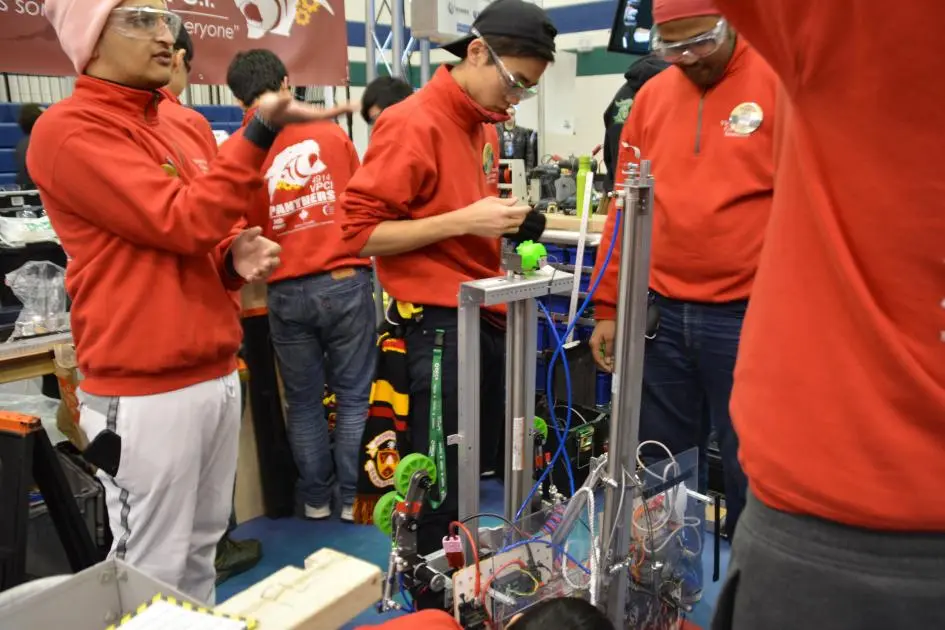
The Build subteam combines mechanical design, fabrication, assembly, and electronics. We work with Programming to create a reliable robot that responds to drivers and runs autonomously.
No experience is required. Workshops and hands-on practice help new members learn CAD, safe tool use, and wiring.
PLAN. TEST. REFINE.
We use Computer-Aided Design to check fit, communicate ideas, and create a blueprint before manufacturing parts.
Compare ideas against the challenge, available materials, and the space on our robot.
Test a mechanism, then model its parts and assemblies in CAD to check dimensions and clearances.
Build, test, and improve. Small changes to a mechanism can make the whole robot more reliable.
Start with our workshops and practice designing a simple part. Inventor uses separate part files that come together in an assembly.
Use your TDSB email to set up an educational account. Follow Autodesk’s current eligibility and installation instructions.
MAKE IT REAL
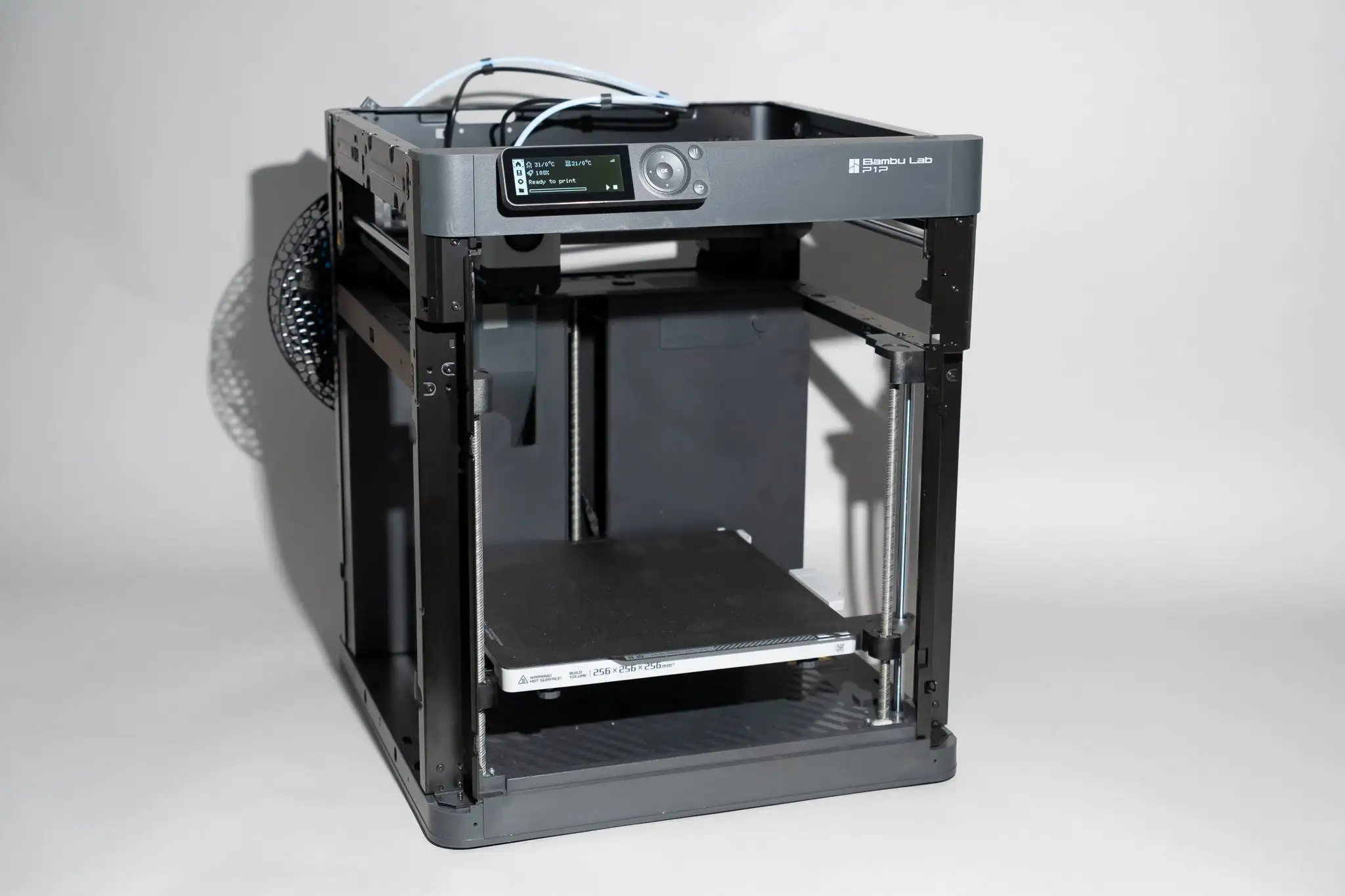
We design mechanisms as independent subsystems so members can build and test in parallel.
CONNECT THE SYSTEM
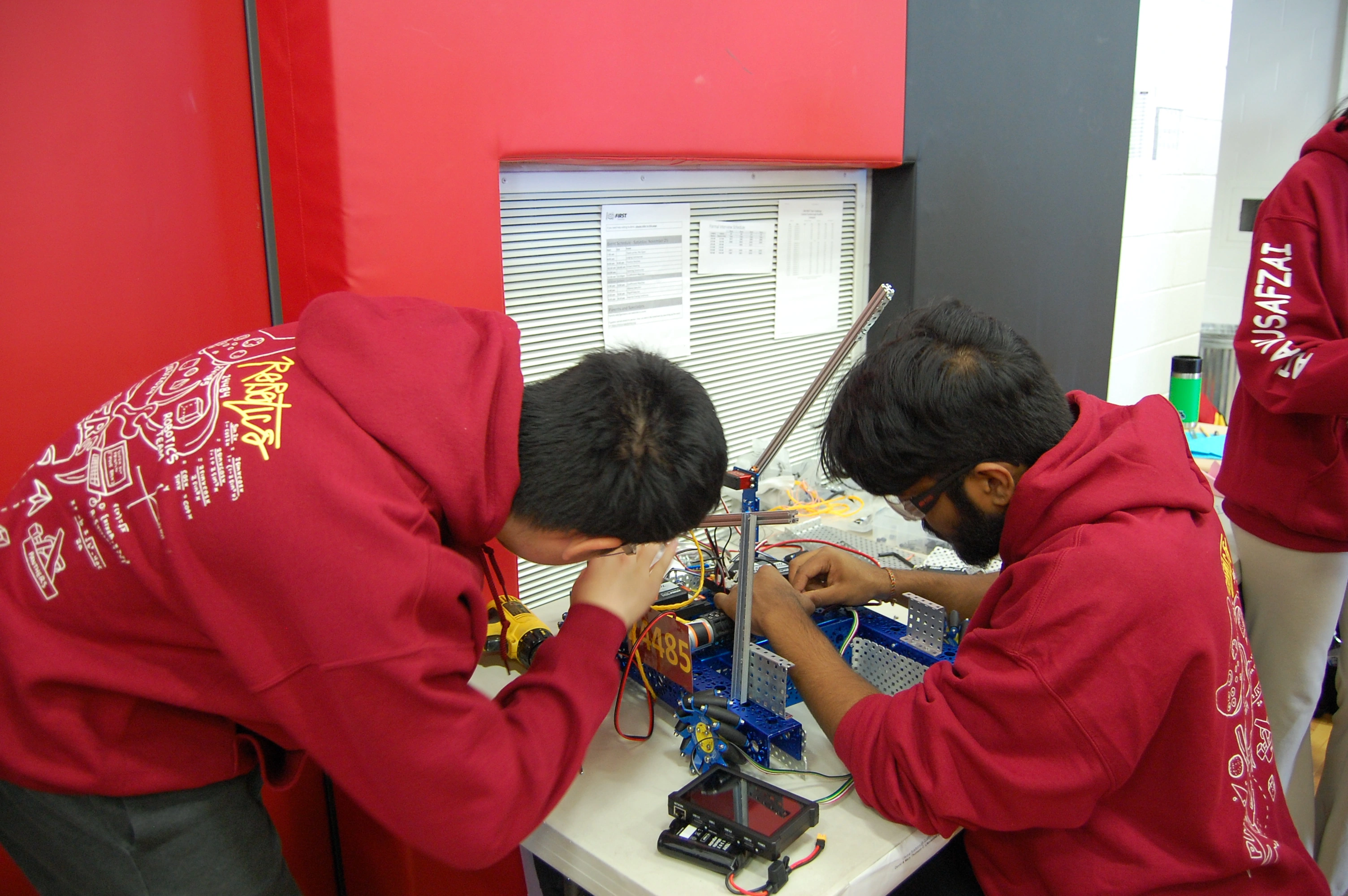
We connect power, motors, servos, sensors, and controllers, then troubleshoot the system with Build and Programming members.
Clear wiring and dependable connections help our robot perform safely during both driver-controlled and autonomous operation.
INSIDE THE ROBOT
Select a component to see how we use it.
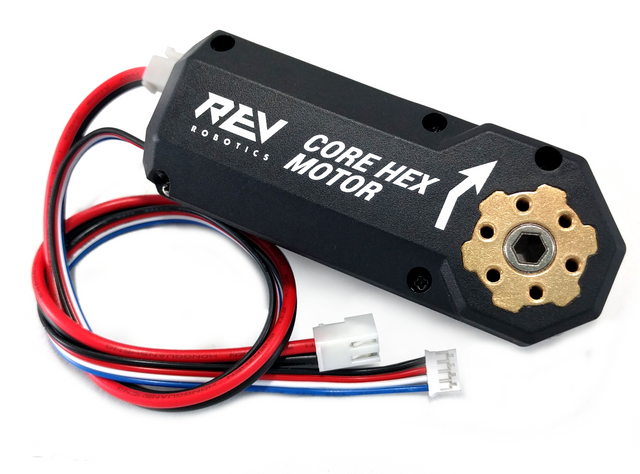 DC motors
DC motors drive the wheels and power mechanisms that lift, grip, and move game pieces. We select gearing and motor placement to balance speed, torque, and reliability.
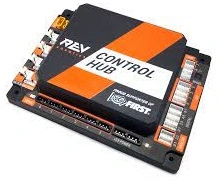 Control Hub
The Control Hub runs our robot code and connects motors, servos, and sensors. It translates driver commands and autonomous routines into coordinated movement.
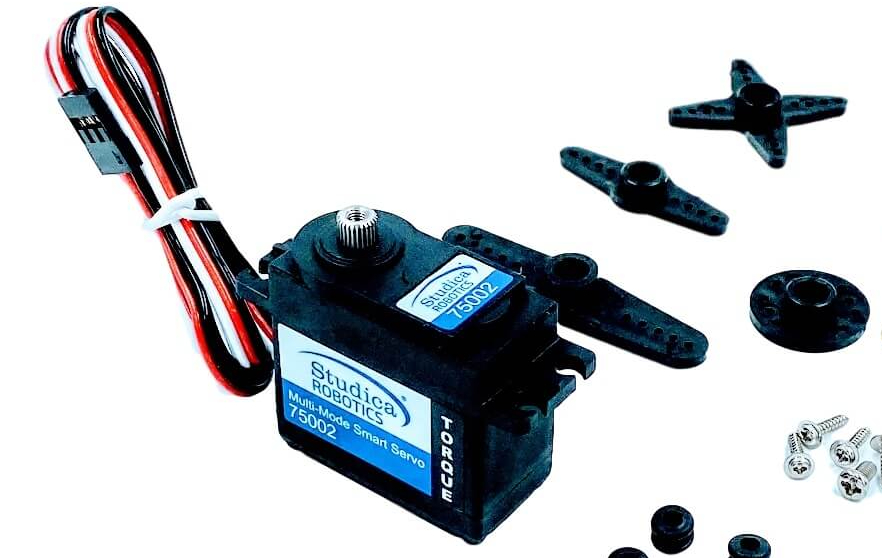 Servos
Servos control precise movements such as positioning a claw or moving a small linkage. They let us set an angle and hold a mechanism in place.
Start with our mechanical and material guides. The FRC electrical references also support broader learning alongside our FTC workshops.
Browse all resources